2019年8月31日 星期六

Install Gin (Go)


1. 如果還沒安裝 go 環境的,請先裝安好喔。
或是參考我這篇: https://csw-dawn.blogspot.com/2019/08/install-go-on-linux.html

2. 安裝 gin
$ go get -u github.com/gin-gonic/gin


3. 開一個檔案 命名 example.go 並且存檔。
$ emacs -nw example.go
package main

import "github.com/gin-gonic/gin"

func main() {
 r := gin.Default()
 r.GET("/ping", func(c *gin.Context) {
  c.JSON(200, gin.H{
   "message": "pong",
  })
 })
 r.Run() // listen and serve on 0.0.0.0:8080
}

4. 起動
$ go run example.go

5. $ curl http://127.0.0.1:8080/ping

6. 更多參考可上: https://github.com/gin-gonic/gin

Install go on linux


1. 到 https://golang.org/ 點擊 Download Go 下載 對應的版本


2. 找到對應的版本


3. 下載
   $ wget https://dl.google.com/go/go1.12.9.linux-amd64.tar.gz


4. 安裝到指定目錄
    $ tar -C /usr/local -xzvf go1.12.9.linux-amd64.tar.gz


5. 測試是否安裝成功
    $ go version


6. 設定環境變數 GOPATH 和 PATH


7. 寫第一支程式來 對世界說 hello world


8. Go Go Go

2018年6月26日 星期二

Install Beego (Golang)

1. Download and install
$ go get github.com/astaxie/beego

2. Create file hello.go
$ emcas -nw hello.go
package main

import "github.com/astaxie/beego"

func main() {
    beego.Run()
}

3. Build and run
$ go build hello.go
$ ./hello

4. Installing bee tool
$ go get github.com/beego/bee

5. Bee tool commands
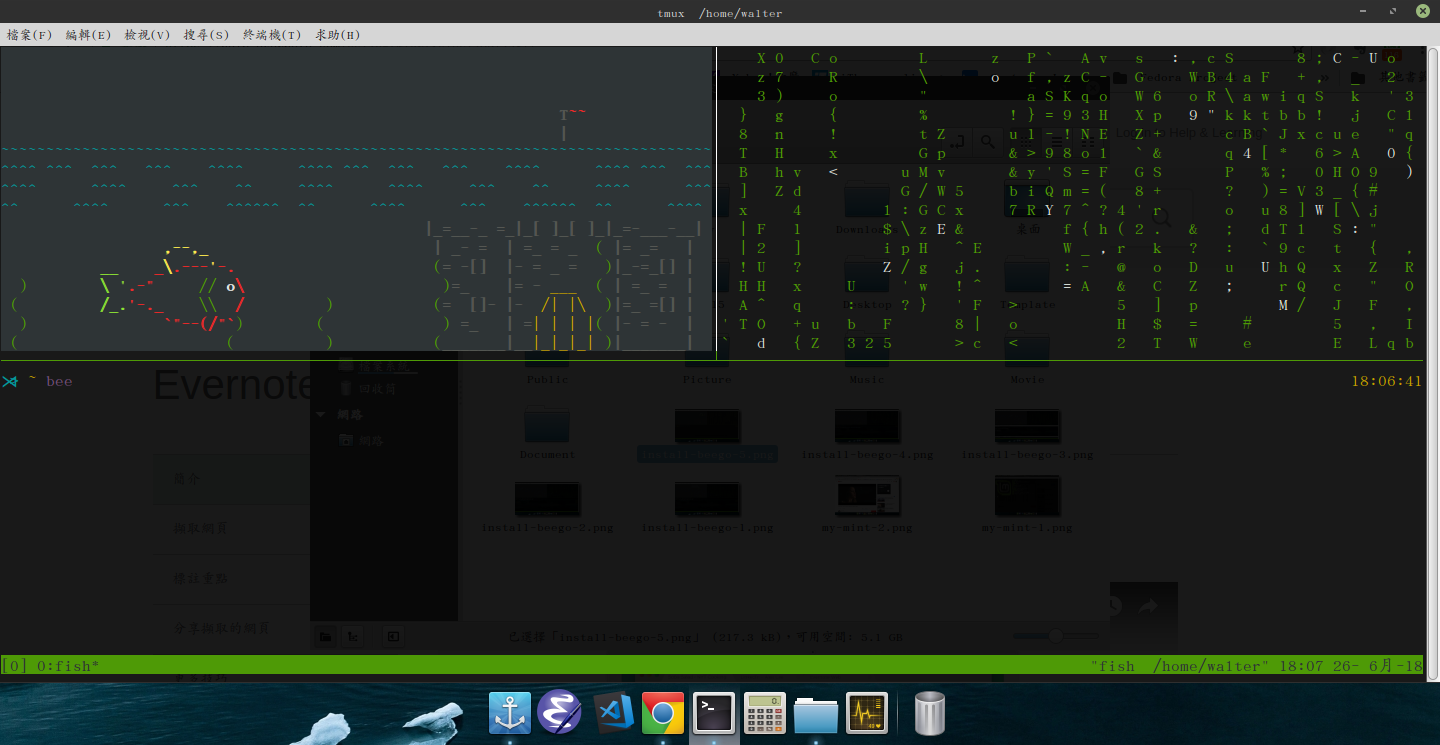
$ bee


6. Create new project
$ bee new myproject


7. Bee run
$ bee run


2017年4月25日 星期二

不用會寫程式 也能有自已的粉絲頁客服聊天機器人喔 雖然教學已經很多了 XD

1. 先建立一個粉絲專頁 https://www.facebook.com/pages/create/?ref_type=bookmark

輸入完成後,點立即開始

2. 放照片和封面照

3. 到 https://developers.facebook.com 這裡去註冊成開發者帳號

4. 新增應用程式


5. 新增產品

選Messenger 並開始使用
選擇粉絲頁


都確定, 就好了


6. 點到設定->新增平台,選網站


網站網址 http://api.chatfuel.com
應用程式網域 api.chatfuel.com
隱私政策網址 https://chatfuel.com/privacypolicy.html


7. 到應用程式審查

水喔,發佈了,YA!


8. 然後到Chatfuel dashboard,去 Create a blank chatbot

Rename 一下


9. Connect to facebook

good, nice work

10. 一切設定好,當然少不了測試啦啦啦啦

11. 
加一下 Rule


12. 準 備發佈


點 擊pages_messaging 右邊的 新增到提交內容

13. 

點擊 編輯備註事項

14. 
選擇 粉絲頁

15. 
輸入AI Rule


16. 
儲存

17. 
提交進行審查

18. 搞定,收工,下去領便當吃 XD